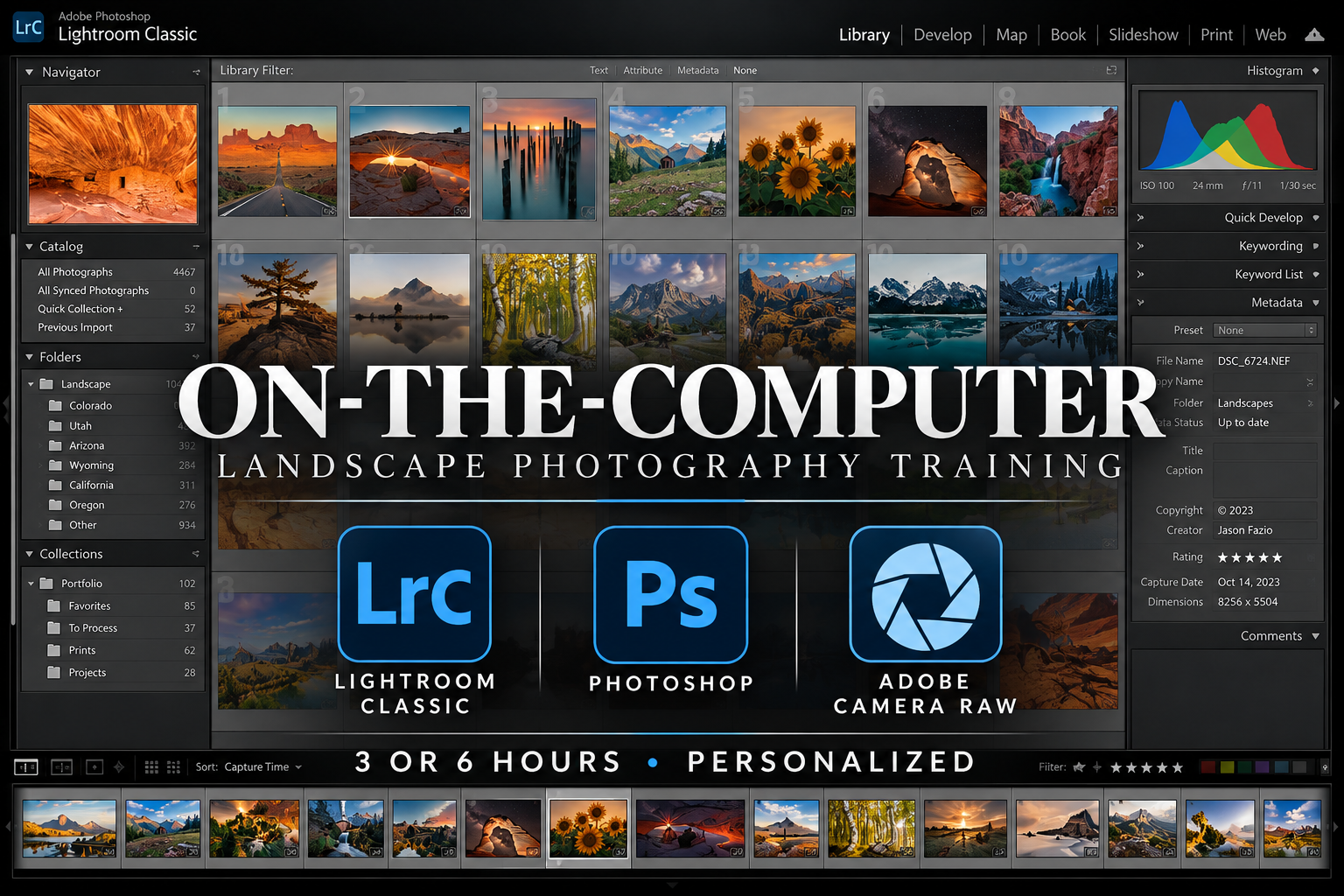
On-the-Computer Landscape Photography Training
Taking the photograph is only part of making the photograph.
What you bring home from the field is where post-processing begins.
My On-the-Computer Landscape Photography Training is personalized, in-person instruction built around what you want to learn. That might mean opening Lightroom for the first time, understanding Adobe Camera Raw, learning layers and masks in Photoshop, stitching a panorama, blending a focus stack, processing a Milky Way image, or figuring out why a photograph simply isn't turning out the way you envisioned.
There isn't a standard curriculum.
Bring a question. Bring a technique you want to learn. Bring an image you've been struggling with.
Or bring nothing but patience.
We'll start where you are.
Lightroom, Adobe Camera Raw, and Photoshop
I primarily use three tools in my own photography workflow.
Adobe Lightroom plays an important role in organizing and managing photographs.
Adobe Camera Raw is a key part of developing the information captured by the camera before moving deeper into an edit.
Adobe Photoshop is where much of the more involved work happens, including layers, masks, blending, panoramas, focus stacking, selections, and other techniques used to finish an image.
You don't need to know how to use any of them before training.
Complete beginners are welcome.
If you've barely opened Photoshop and don't know what a layer is, that's a perfectly reasonable place to begin.
What Do You Want to Learn?
Almost any part of landscape photography post-processing is fair game.
We can work on Lightroom organization, Adobe Camera Raw, Photoshop, layers and masks, panoramas, focus stacking, exposure blending, Milky Way processing, color, sharpening, noise reduction, selections, removing distractions, preparing photographs for print, or another part of your workflow.
We can also forget about learning a particular piece of software altogether.
Bring me a few photographs you don't like and tell me you don't know why.
We can look at what happened, determine whether the problem occurred during capture or processing, and work through what can be done differently.
Sometimes learning how to edit a photograph also teaches you how to capture the next one.
You Can't Edit Data You Didn't Collect
Post-processing begins before you ever sit down at the computer.
There are things we can fix later. Trash, wires, small distractions, and other unwanted elements can often be removed. But if the photograph wasn't captured correctly in the first place, there are limits to what even the best editing software can do.
That's why I put so much emphasis on gathering the right data in the field.
It's tempting to judge a photograph by how pretty it looks on the back of the camera. Sometimes that's exactly what we want. Other times, chasing the perfect-looking camera preview can leave us with less information to work with once we get home.
I teach techniques such as Expose to the Right, or ETTR, for that reason. But ETTR isn't simply shoving the histogram as far to the right as possible. The RGB histogram matters. Individual color channels matter. The scene matters. What you plan to do with the photograph matters. And if you intend to print it, those decisions can matter even more.
The goal is to understand what information you need and make sure you bring it home.
You can't edit data you didn't collect.
Set yourself up for success in the field, and you'll have far more possibilities in the office.
Bring Your Photographs. Or Use Mine.
If you have your own photographs you'd like to work on, bring them.
There's something particularly useful about learning a technique with your own image and leaving with a completed project you understand from beginning to end.
But you don't need to provide the photographs.
If we're working on a particular technique, I can bring appropriate files and we'll use those.
You don't even need to bring a computer. I can provide the equipment we need for the session. If you'd rather learn on your own laptop and software, bring them along.
Half-Day or Full-Day?
I offer both Half-Day and Full-Day Training.
A Half-Day session is three hours and works particularly well for a targeted post-processing topic.
Don't underestimate three hours.
We could easily spend an entire session learning a panorama workflow, focus stacking, layers and masks, Milky Way processing, or another specific technique.
If you pick it up quickly, great. We aren't going to sit around watching the clock. We'll move on and use the remaining time to work on something else.
A Full-Day session is six hours and gives us much more room to build a foundation.
Someone new to post-processing could easily spend a full day becoming familiar with Lightroom, Adobe Camera Raw, and Photoshop and still have plenty left to learn.
That's normal.
You don't eat an elephant in one bite.
Sometimes the Field and Computer Belong Together
Photography doesn't divide itself neatly into “camera stuff” and “computer stuff.”
Neither does my training.
If we're learning focus stacking, it may make sense to go outside, photograph a stack correctly, and then sit down with the files and put them together. The same could be true for panoramas, exposure blending, ETTR, night photography, or any number of techniques.
Likewise, an In-the-Field Training session might change because of weather. We might decide our time would be better spent grabbing a cup of coffee, opening the computer, and working on another part of photography.
I don't particularly care which training session you booked. I care that we're using your time to teach you something useful.
Both Half-Day and Full-Day bookings can be used for In-the-Field Training, On-the-Computer Training, or a combination of the two.
Where Does On-the-Computer Training Happen?
Training is in person, usually somewhere public in the Colorado Springs area.
A coffee shop or library works well. Sometimes my Microsoft Surface and I end up working with a photographer immediately after we've been shooting. Other times, the Five Billion Star Hotel becomes our mobile classroom.
We can even work somewhere without normal internet access when necessary.
If Starlink is needed and my service isn't already active, there is currently a $55 activation cost. We'll discuss that beforehand rather than discovering we need internet when we're miles from it.
If you're outside the Colorado Springs area, contact me before booking.
What About AI?
I'm not opposed to technology helping photographers process their photographs.
I do draw a distinction between processing a photograph and generating one.
Personally, I don't replace skies. I'd rather strike out at a location ten times and finally get the conditions I wanted on the eleventh attempt. I'm also not interested in using generative AI to insert objects that weren't part of the original scene.
Using modern tools to clean up distractions or help perform editing work is different.
Those are my boundaries for my own photography. They don't have to be yours.
If you want to learn a technique that goes farther than I choose to go with my own work, I'm still willing to teach you how to do it. My personal photographic philosophy doesn't need to become yours.
A Few Things to Know
Do I need my own computer?
No. I can provide the equipment for our training. You're also welcome to bring your own computer if you'd rather learn on the system you'll continue using afterward.
Do I need Lightroom or Photoshop experience?
No. Beginners are welcome. We can start at the beginning.
Should I bring my own photographs?
You can, and I often recommend it. Learning with your own photographs can give you a finished project at the end of the process. If you don't have appropriate files, I'll provide what we need.
Can we work on one specific photograph?
Absolutely. Sometimes the best training session begins with, “I can't get this photograph to look right.”
Can we combine field and computer training?
Yes. Some techniques are better understood when you learn both how to capture the necessary files and how to process them afterward. It doesn't matter whether you originally booked In-the-Field or On-the-Computer Training.
Can you teach me how to prepare photographs for printing?
Yes. I can show you how I prepare my own photographs for print and explain the decisions involved.
Bring Me the Problem
You don't need to know the name of the technique you need to learn.
You don't need to know whether the problem is Lightroom, Photoshop, your camera settings, or something you did six hours before opening the computer.
Bring me the problem.
We'll figure out where it started and work from there.
BOOK A HALF-DAY TRAINING SESSION
BOOK A FULL-DAY TRAINING SESSION
If you're outside the Colorado Springs area or want to talk about what you'd like to learn first: